
Category: Guides
-

Learn how to study with AI using practical prompts, quizzes, source checks, and a 25-minute routine that keeps you doing the thinking.
-

Choose a study break you can actually finish: low-effort ideas, a practical break menu, and a simple way to return without another hour of scrolling.
-
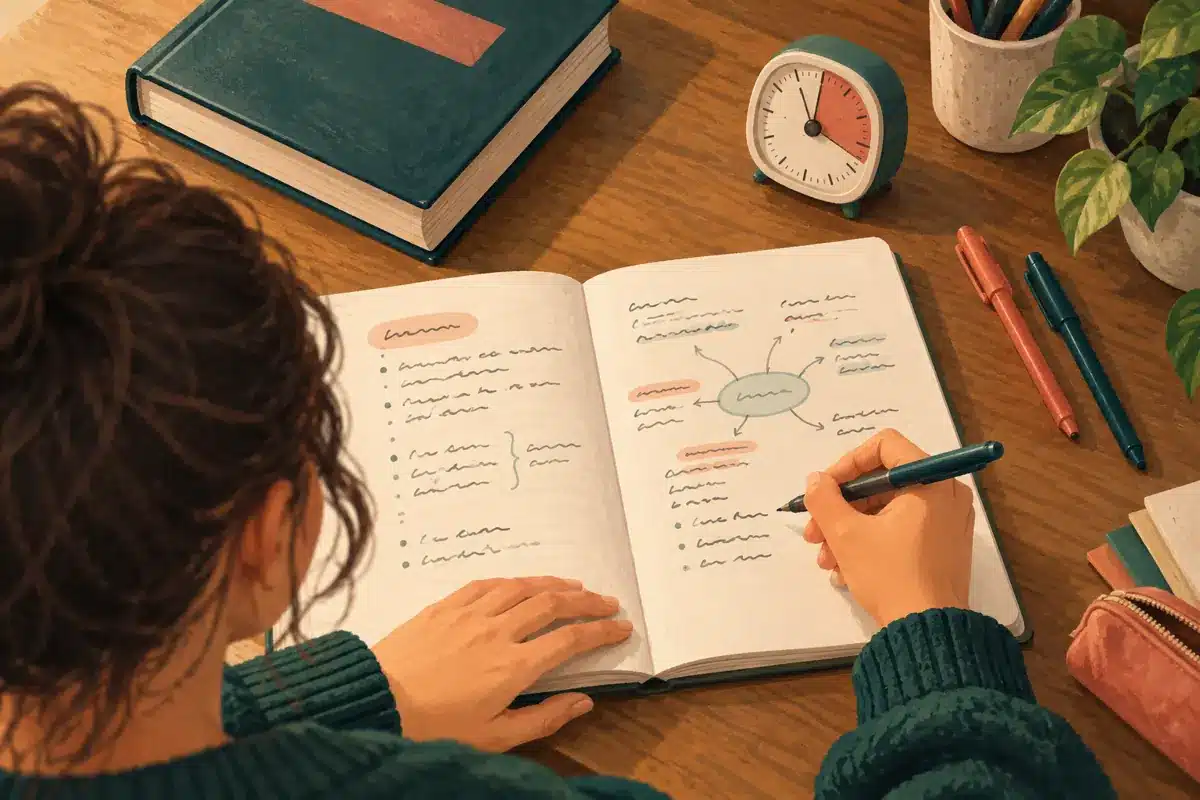
Learn the blurting study method with a 15-minute routine, a worked example, and simple ways to check mistakes and prepare for exams.
-

Can’t focus on studying? Follow this practical 10-minute reset to remove distractions and start working. Download the free student workbook.
-

Timer, background noise or silence? Choose a study setup based on what interrupts you, with a practical comparison and a simple three-session experiment.
-

Behind on assignments? Use a 30-minute reset, a worked priority example and an instructor-message template to plan overdue work alongside new deadlines.
-

I felt afraid and stressed during an interview. Taking deep breaths and pausing gave me a moment to continue. Here is my personal experience.
-

Focusmo for Mac students: compare Free vs Pro, check macOS requirements, and try a practical study workflow with Todoist. Start free before upgrading.
-

Set up Todoist for students with the free plan: organize courses, track assignments, plan exam revision and keep study dates separate from submission deadlines.
-

Compare 5 Pomodoro apps for studying: Pomofocus, Forest, Focus To-Do, TickTick and Session. Find the best free timer, distraction blocker or study planner.